If you need to enter an old reservation, here you have the trick to do it! 🔎 ---
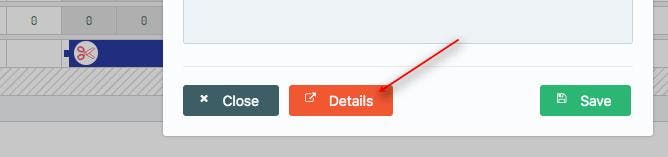
Insert a new reservation manually with all the customer's info and dummy dates. Then access the details of the reservation by double clicking on the reservation itself from the Calendar 👇
Click on the booking dates:
Change the period by clicking on the check-in date or check-out date and select the desired date from the calendar that opens in the new window:
Save at the end of the page and that is done, the old resa will then be in the system!
WARNING Do not forget to check and update availabilities, if needed!