

Acces your Master account go to Settings > Extras > Create a new extra
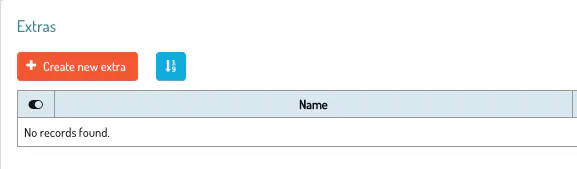
For more information on how to create an extra click here
If you select all the rooms the extra will be created in all the accounts of your network

If you want to apply it to a part of the accounts select the available rooms.

On the son account you will find the extra on Settings > Extras

Talk to you soon! 🐙

