


Now you can create a guided path in the Web Concierge that leads your guests to enter, on their own and in just a few clicks, all the data needed for check-in and billing.
Go to Marketing > Web Concierge and enable the option "Require online check-in to be completed before accessing other sections". This way, the first screen your guests will see when accessing the Web Concierge will be the one for entering check-in data.
Once this option is enabled, a second setting will appear: "Require billing data to be entered during check-in".
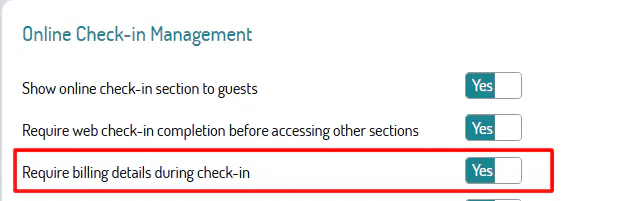
By enabling it, after completing the check-in data the guest will be automatically redirected to the section for entering billing data.
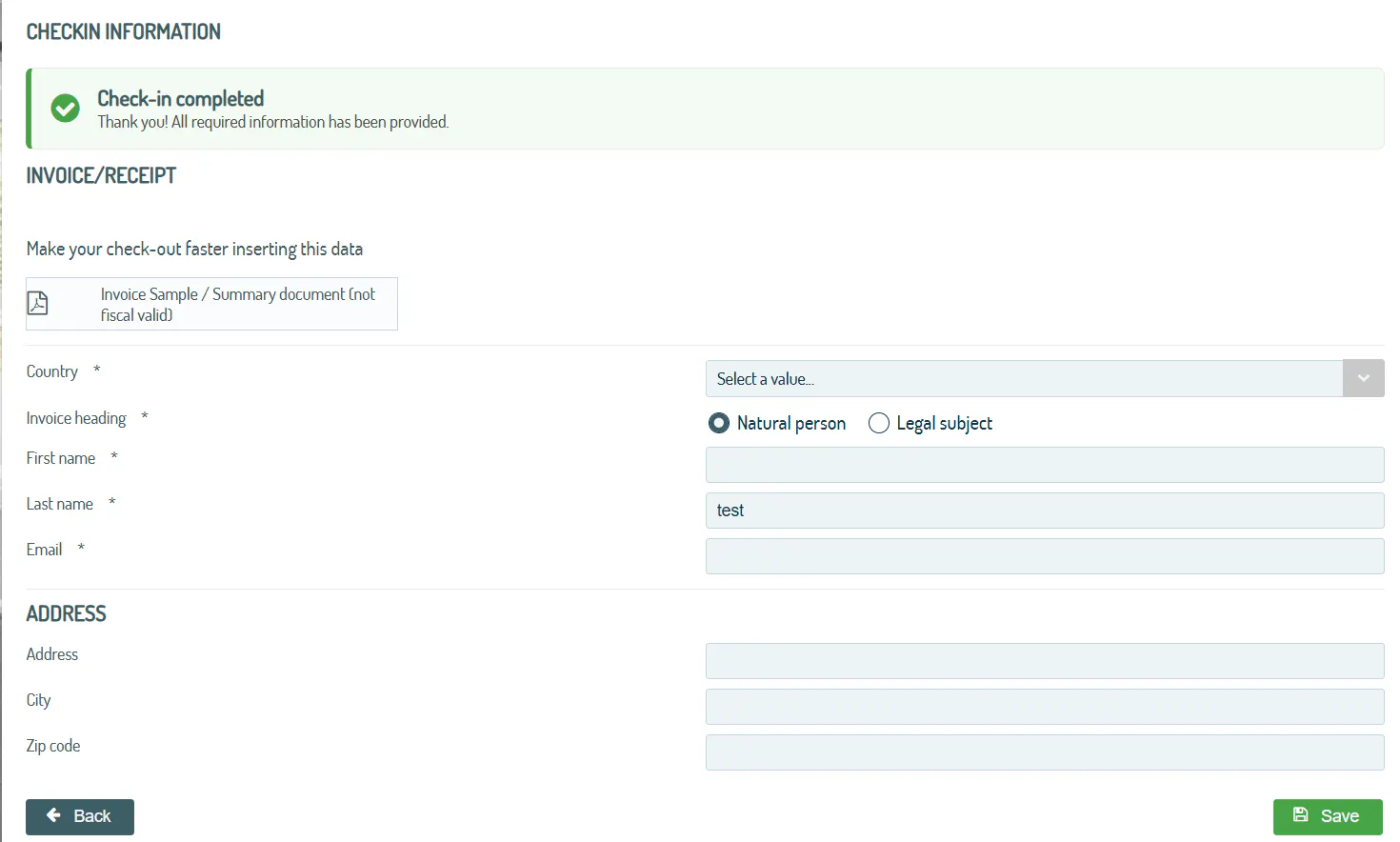
A single, seamless flow with no page changes: the guest is guided step by step to provide all the information that is mandatory for you.
⚠️ WARNING: This feature will be available for bookings created after this feature is activated.
🐙
