

We’ve added a new feature that lets you choose when to send your email templates to your guests, with even more precision.
📬 Where is it?
Go to Settings > Email Templates and open the template you want to edit (or create a new one with + Add new).
You’ll find the Send mail in this time slot feature:
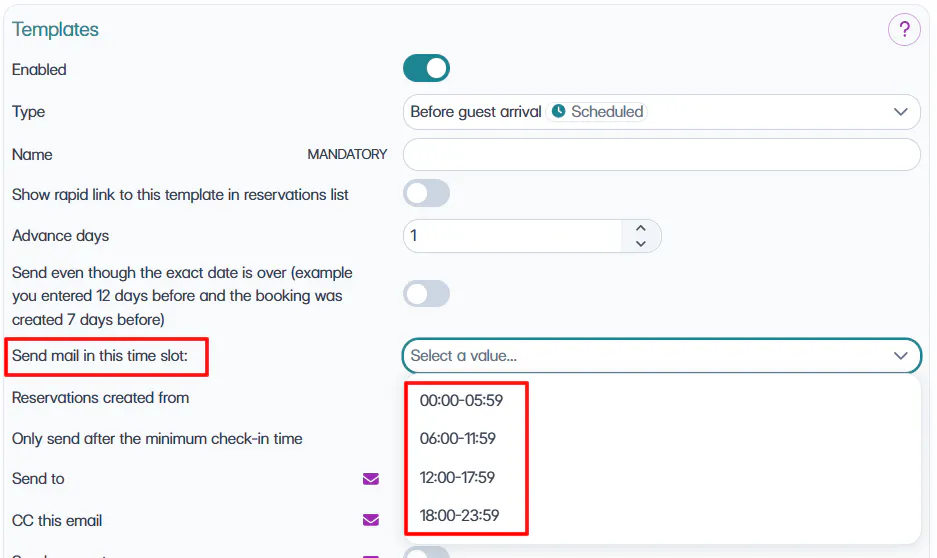
There are 4 available slots, every 6 hours:
00:00 - 05:59
06:00 - 11:59
12:00 - 17:59
18:00 -23:59
.
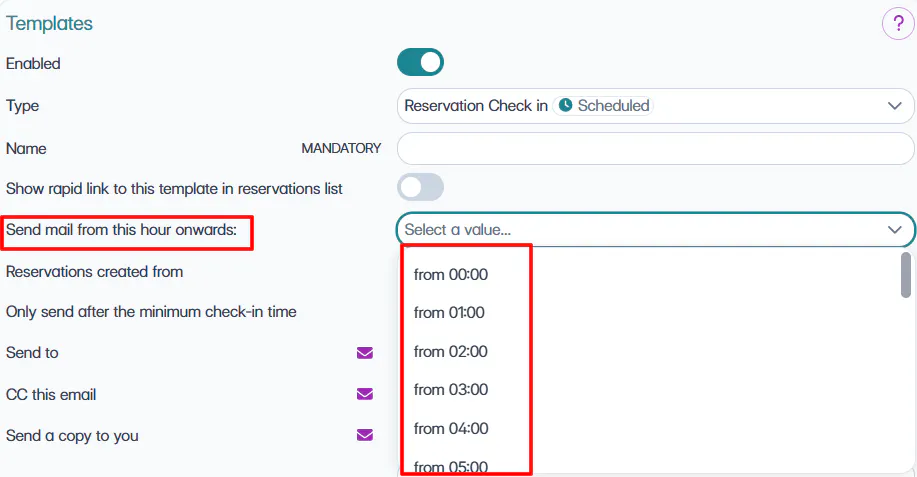
For the "Reservation Check-in " and "At the check-out" templates, the field is instead named "Send email from" and you can choose one of the 24 available hours (from 00:00 to 23:00, one for each hour): the selected value does not indicate a closed one-hour window, but a starting threshold.
For example, by selecting "from 15:00", the email can be sent from that time until midnight, and not only between 15:00 and 15:59.
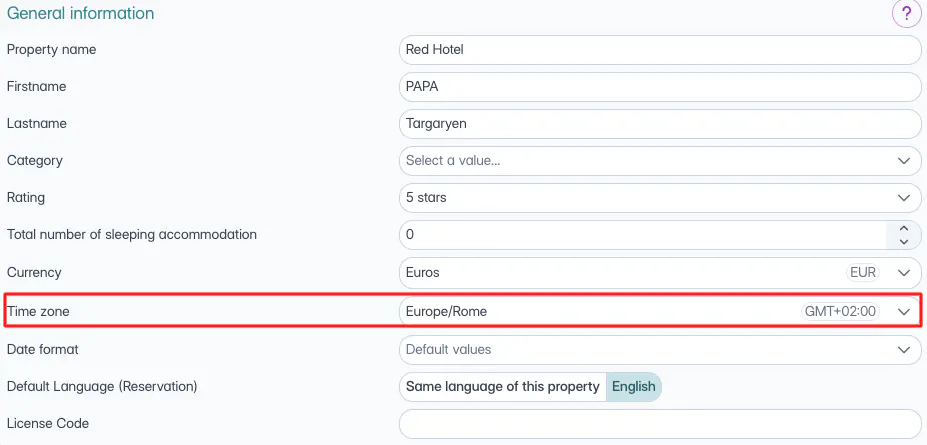
The time slot is based on the time zone set in Settings > Property > Time zone.
⏳ And if you don’t select a slot?
No worries! We’ve added another very useful option:
Send only after the minimum check-in time
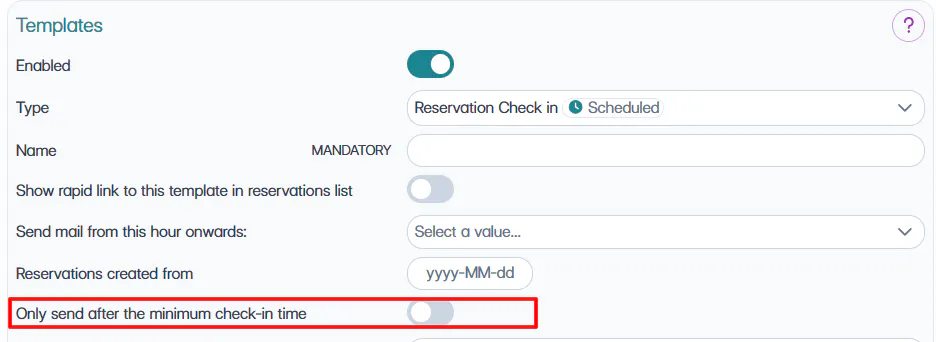
If you enable this option, the email will only be sent after the check-in time of the property, which you set in Booking Engine > General settings.
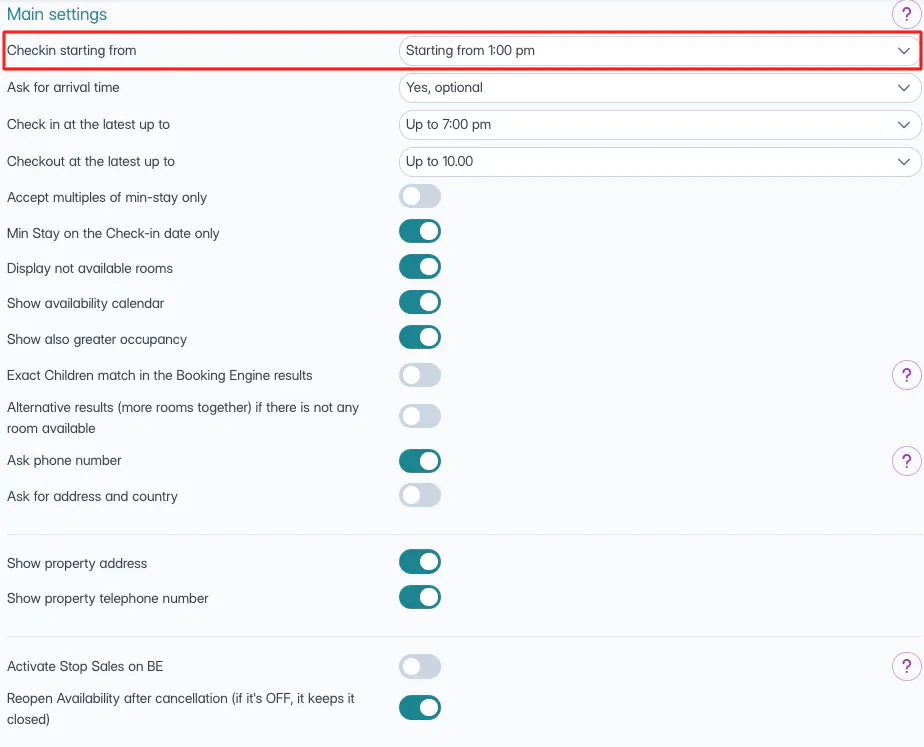
This way, you can make sure your guests receive the email only when they can actually check in.
🐙
Learn more in the webinar video:

