


Do you want to send important information to your guests in a simple and automatic way? Custom tags are the ideal solution.
What Are Custom Tags
Custom tags allow you to create specific messages that are automatically shown to your guests at different points in their booking and stay journey.
How to Create a New Tag
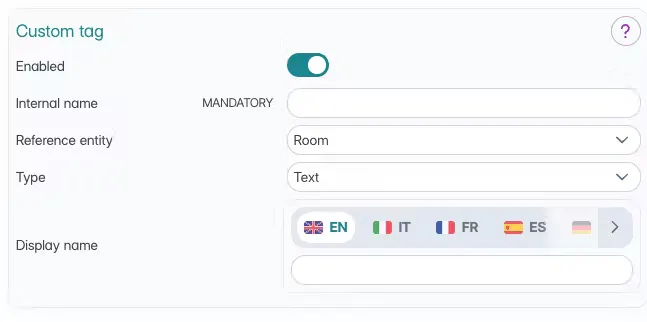
From the settings > custom tags section, you can click on + add and start creating your tags.
In the next screen, configure the tag as follows:
Internal name: Choose a name to recognize the tag in the system (only you will see it)
Connection: Decide whether to associate the tag with:
Room type
Real rooms
Tag type: Select the format:
Text only
Clickable link
Public name: Write the title that your guests will see
Where to Show the Tags
Once you've defined the details, you can decide in which sections to show the tag. Choose whether to show it in:
📱 Octosite (only for room-linked tags): The tag will appear on your website
🗓️ Booking Engine (only for room-linked tags)
Visible during the booking process
🛎️ Web Concierge
Shown in the guest-reserved area
Additional option: show only from check-in date
🎫 Voucher (only for room-linked tags)
Included in booking vouchers
How to Insert Tag Content
Once you've created the tag, add the actual content:
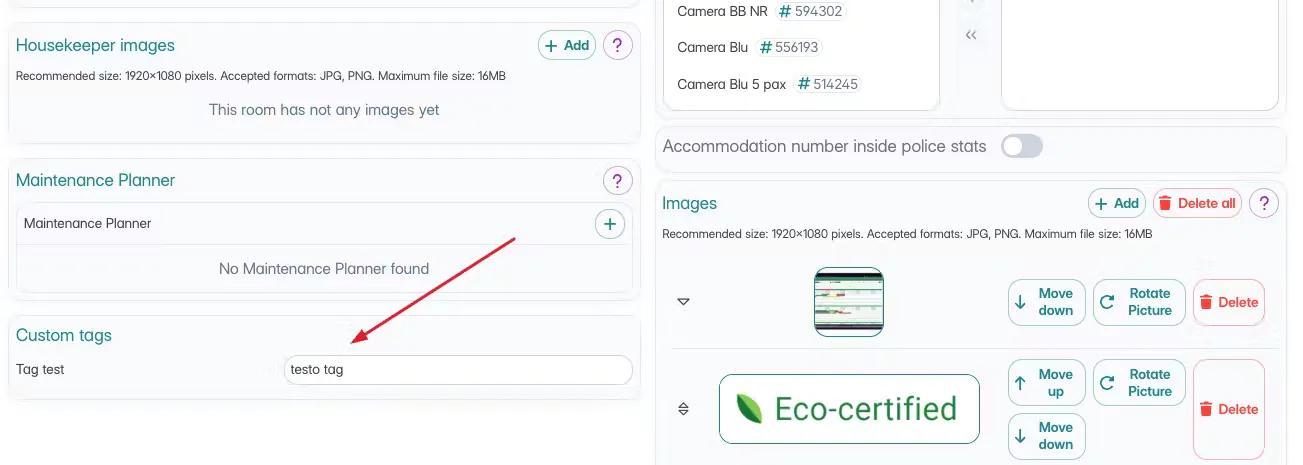
For Room Types
Go to the room type details
Find the custom tags section
Insert the tag description
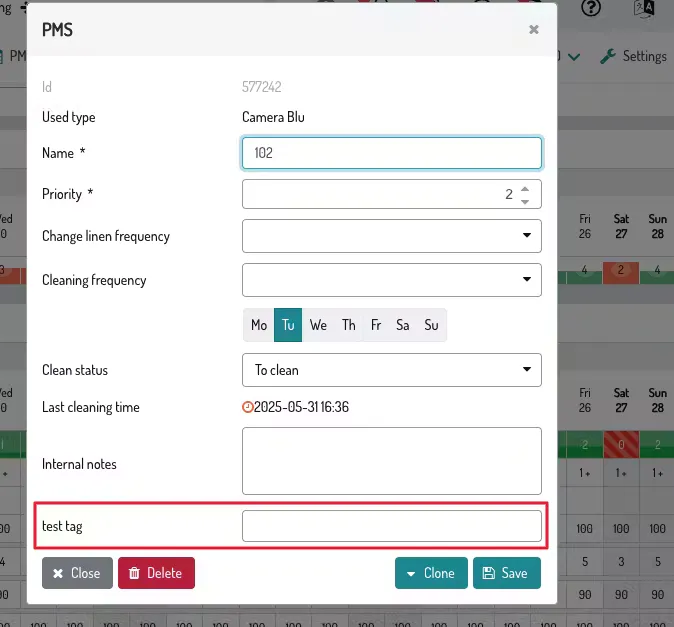
For Real Rooms
Access the room details in the PMS
Find the custom tags section
Add the desired content
Usage with Email Templates
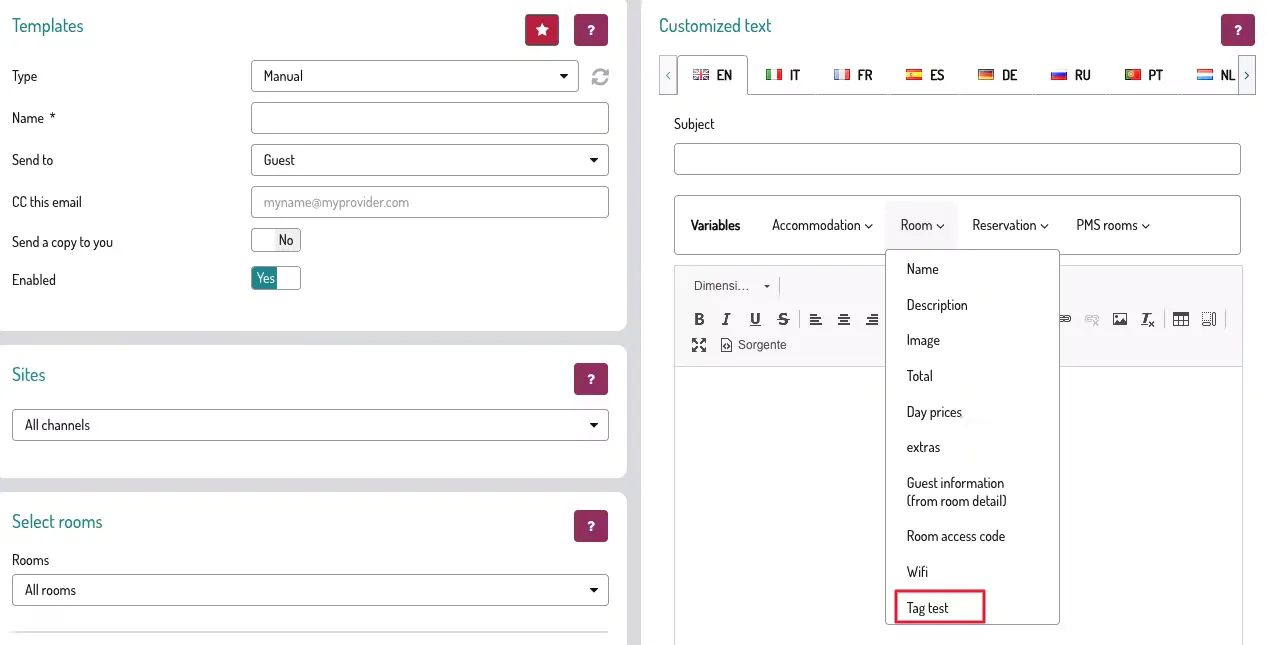
Tags can be automatically included in emails sent to guests:
Access the email templates you're interested in
Add your custom tag variables
Content will be automatically inserted into emails
Communication with Collaborators
Besides guests, you can use tags to communicate with:
Internal staff
External suppliers
Third-party collaborators
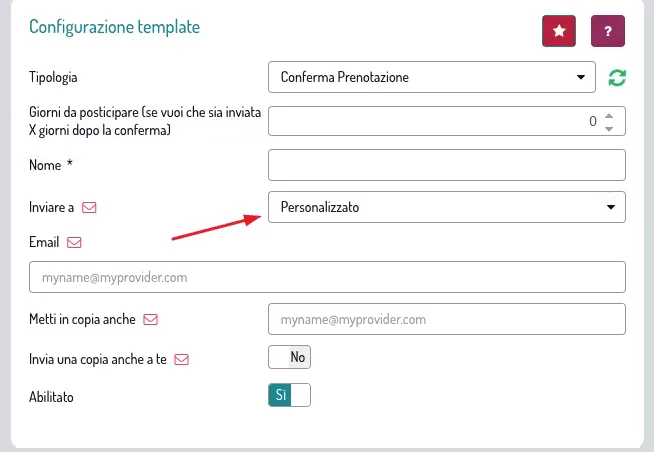
This is possible by configuring custom email addresses for automatic sending.
Benefits of Custom Tags
✅ Automatic communication: Information is sent without manual intervention
✅ Flexibility: You can create tags for any type of information
✅ Multi-channel: A single tag can appear at multiple points in the customer journey
✅ Personalization: Different content for room types or specific rooms
Learn more in the webinar video:
