

If you're a vacation rental, you can set up a check-in attendant, a check-out attendant, and a housekeeping attendant for your bookings. ✈️ 🚮
First, you'll need to create users in your Octorate account.
Go to Settings > Users and create a new user or click on Details to modify the profiles of already created users:

If you want to assign users the tasks for managing check-in, check-out, and housekeeping, you'll need to remember to activate these options:

You can decide to activate only one of these options, based on your needs.
Once you've configured the user profiles, you can proceed with the assignment.
Method 1: From the Booking Details
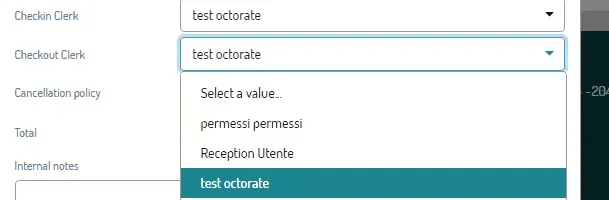
To assign a check-in/check-out attendant, simply double-click on the booking and select the user from the drop-down menu:
On the booking details page, you'll find the Staff section on the right:
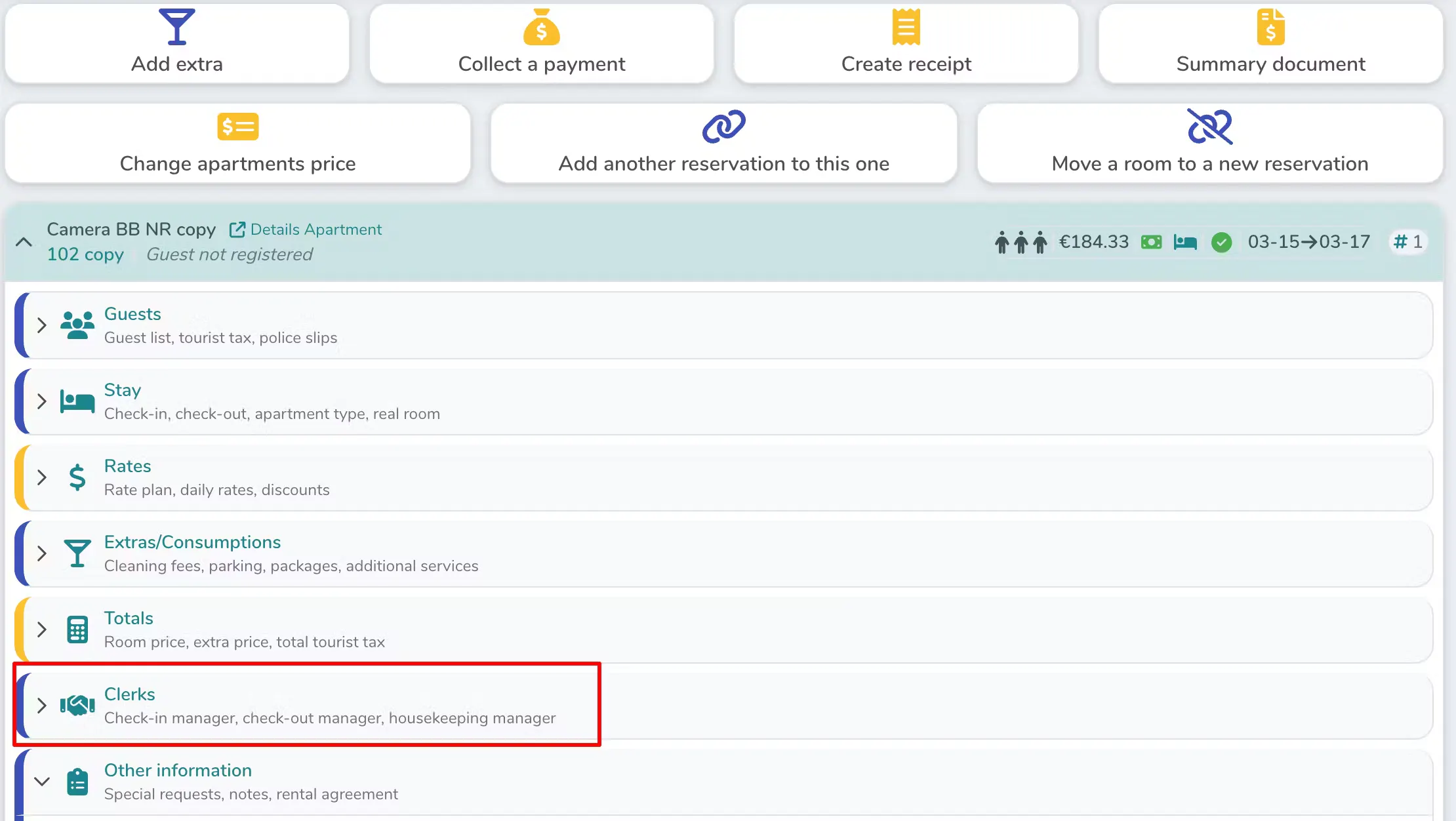
In reservation detail page you will find the Clerks' section on the right side:
Method 2: From the Check-in/Check-out Calendar
In the Calendar > Check-in/Check-out section, you can associate users with bookings and immediately see who is responsible for each activity.
It's possible to assign default attendants in the details of each apartment:

If you want to assign an attendant different from the default one to a booking, you'll see this message appear:
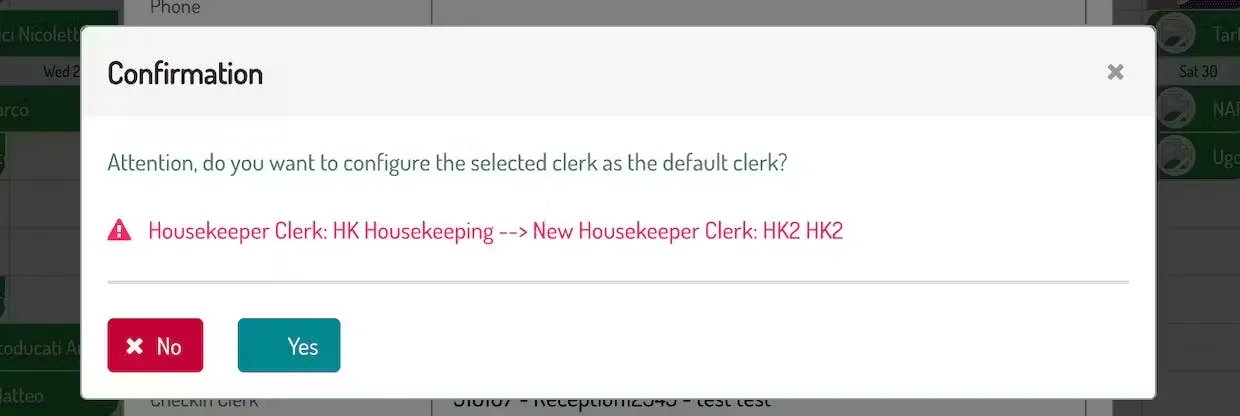
Selecting YES, the entered user will be the new default user for that room.
Selecting NO, that user will be associated only with that specific booking
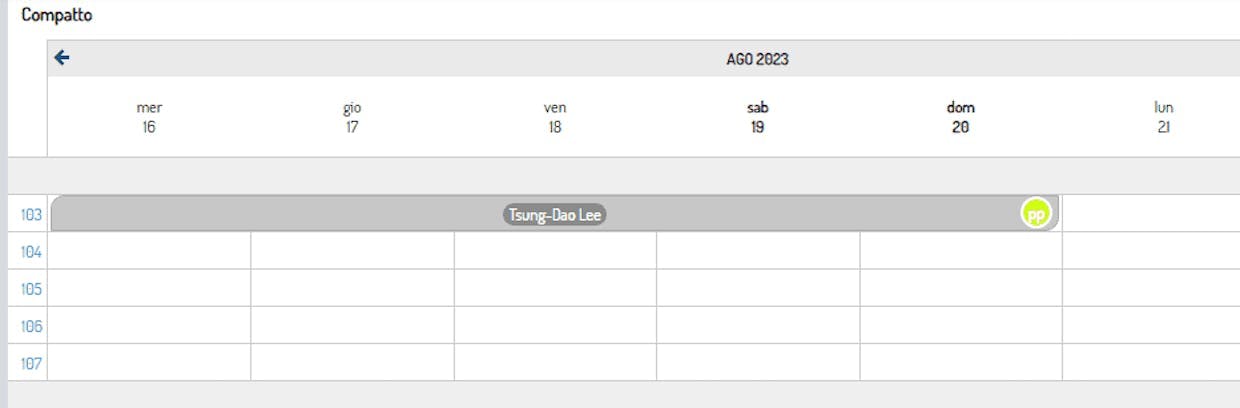
The system uses an intuitive color code to monitor the status of assignments:
Gray bookings: check-in/check-out and cleaning activities have not yet been associated with any user
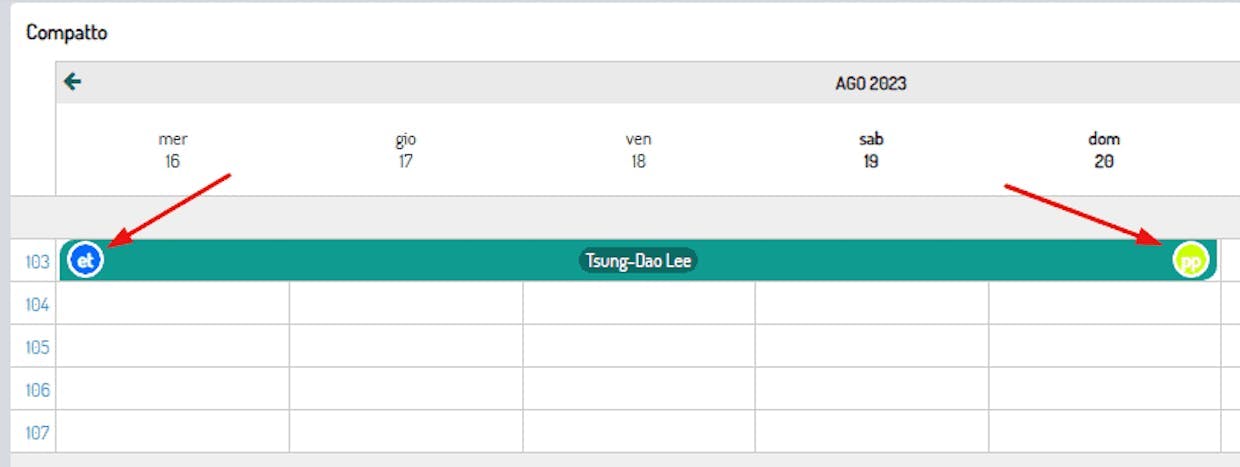
Colored bookings: activities have been assigned and the logo of the responsible user will also be visible
From the filters at the top, it's possible to select which users to display:
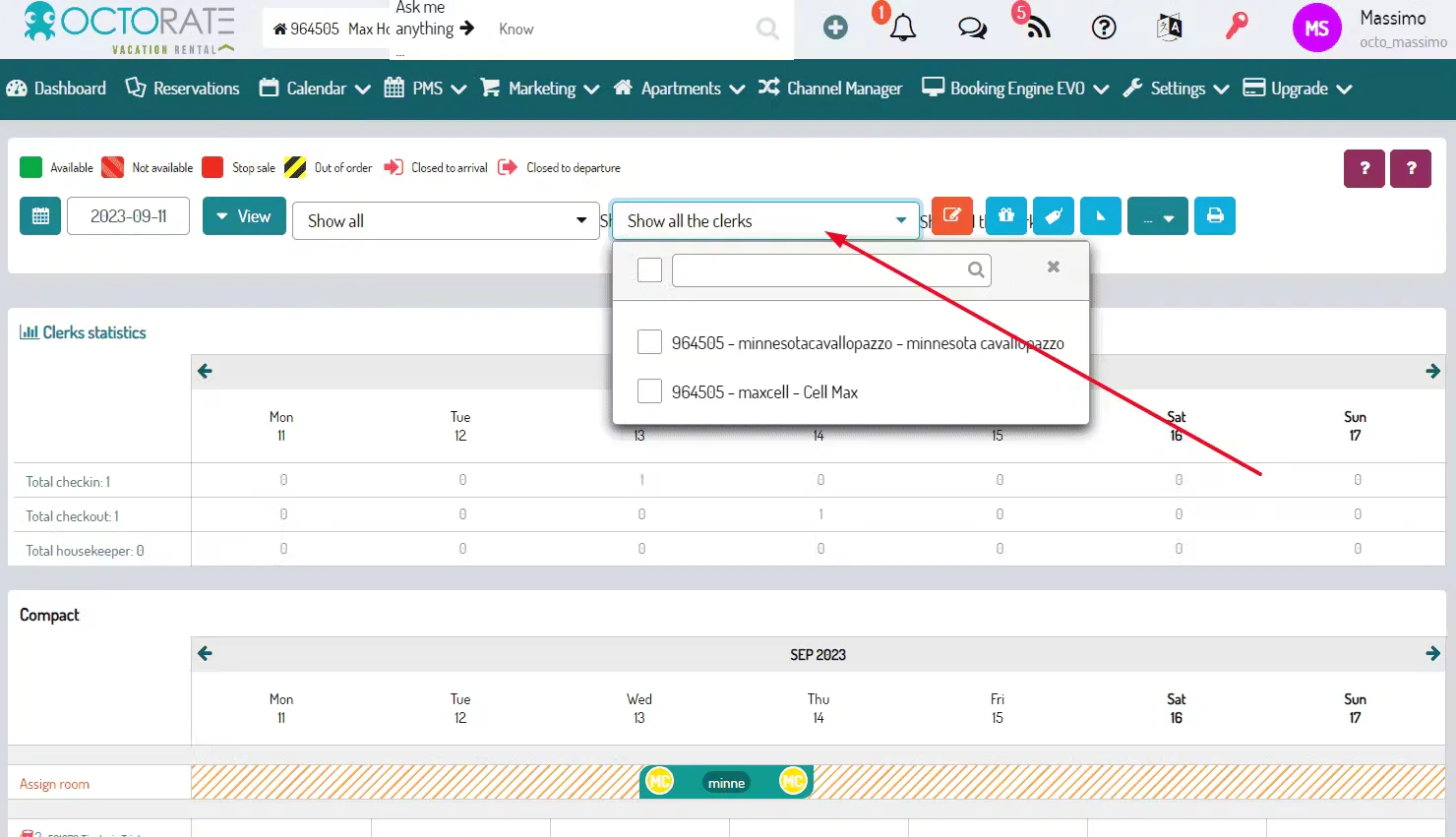
Based on what you've entered in the filters, you'll see a table appear with a summary of the activities performed by your users:

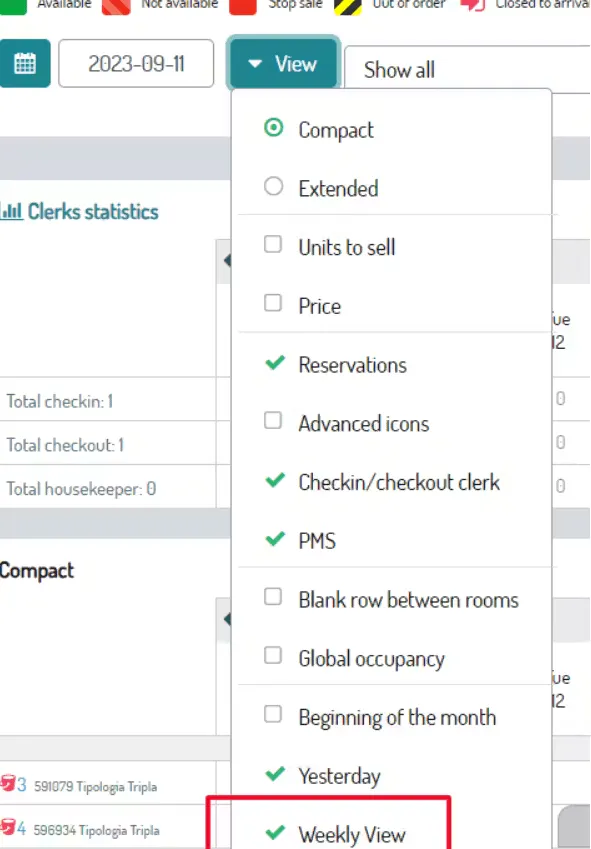
ATTENTION: this section shows a weekly view by default. If you need to view a monthly report, remember to deactivate this option:
It's also possible to print the activities by clicking on the print button:

🚦Users in charge of checkins, checkouts and housekeeping will be able to access Octorate and view only the reservations that have been assigned to them.
🔺ATTENTION!🔺 The function is designed for those structures (vacation rental) that provide for the cleaning of the apartment only at the end of the stay, if you need to organize your cleaning also during your guests' stay, then you will have to use the OCTODAILY function.
🐙

