

In Booking engine EVO > Texts, is possible to customize the texts of your booking engine evo in all the languages you wish!
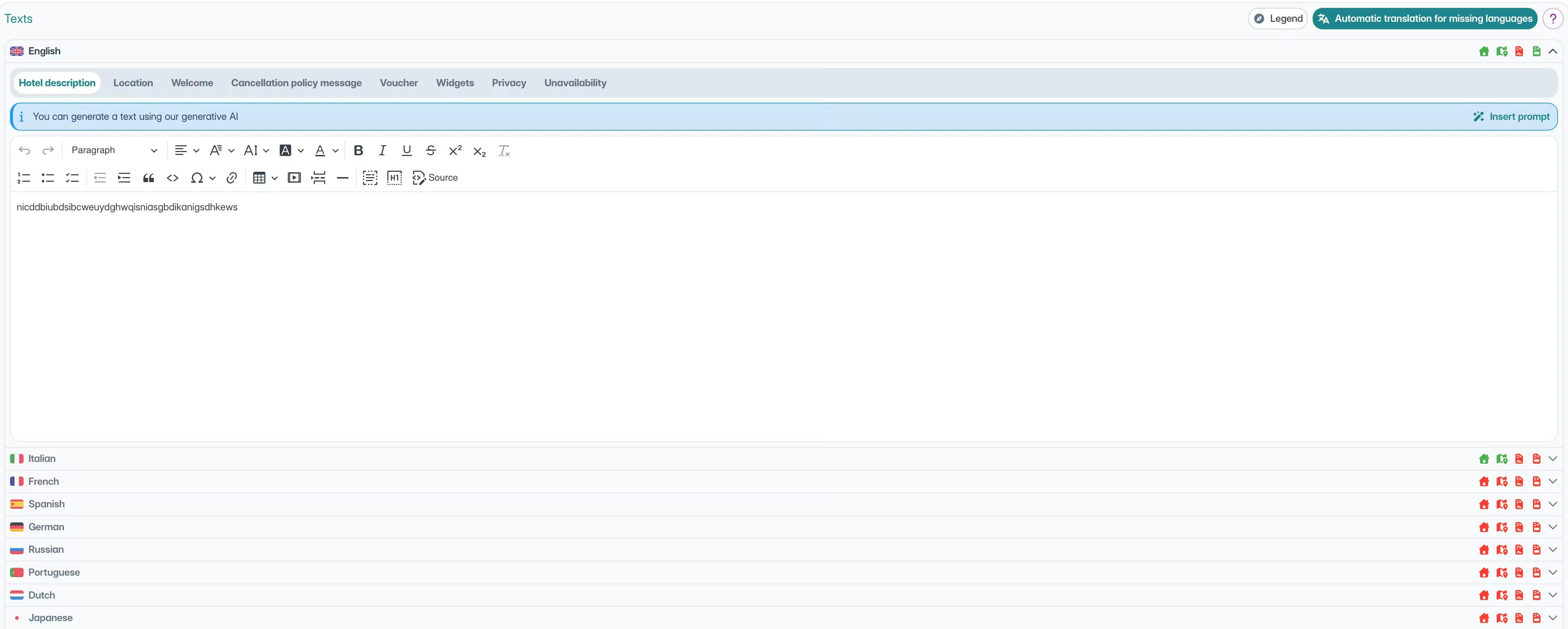
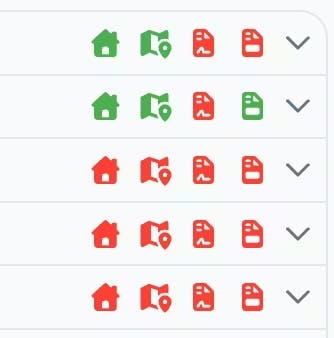
Access the texts section and you will see the list of all available languages. The icons on the right indicate the fields that have populated text in the various languages.
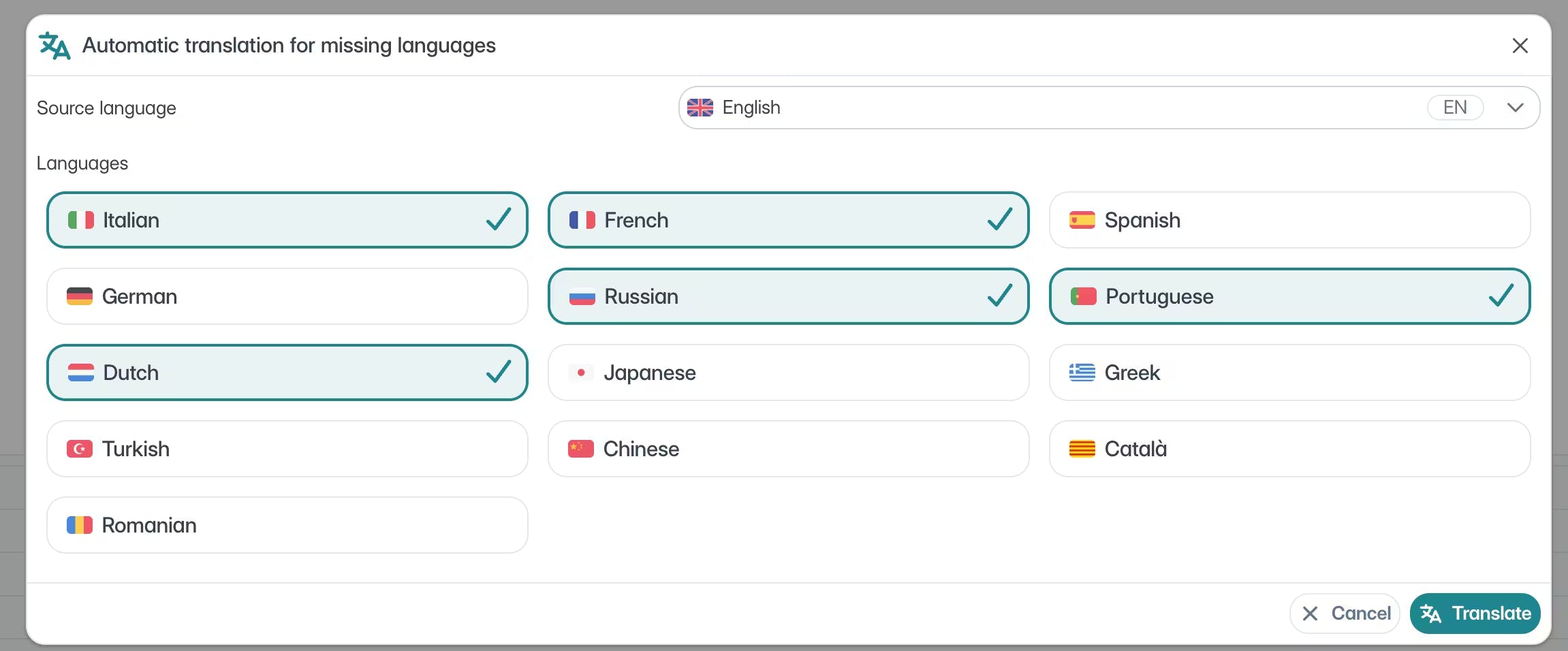
When you insert a text in your language, you can decide which languages to translate it into. By clicking on the "translate into missing languages" button, you can choose which languages to translate for.

You can generate texts with the help of artificial intelligence by inserting a prompt in the dedicated section, making the creation of personalized content faster and easier.
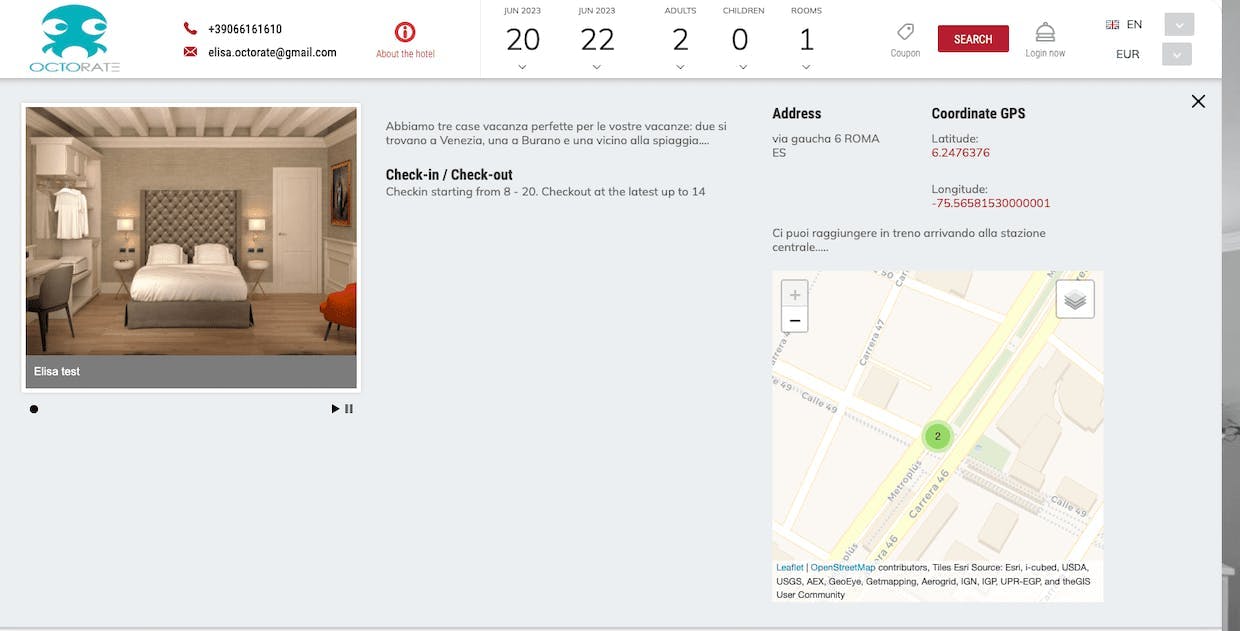
Description: Insert the property description to give your customers more information about your property. It will be visible on the Booking Engine from the "i" button in the "about the property" section.

Location: Indicate to customers the various options and means available to make their arrival at the property easier. The customer will find all useful information in the "about the property" section:
The description
The map
Information on how to reach you
Check-in and check-out times
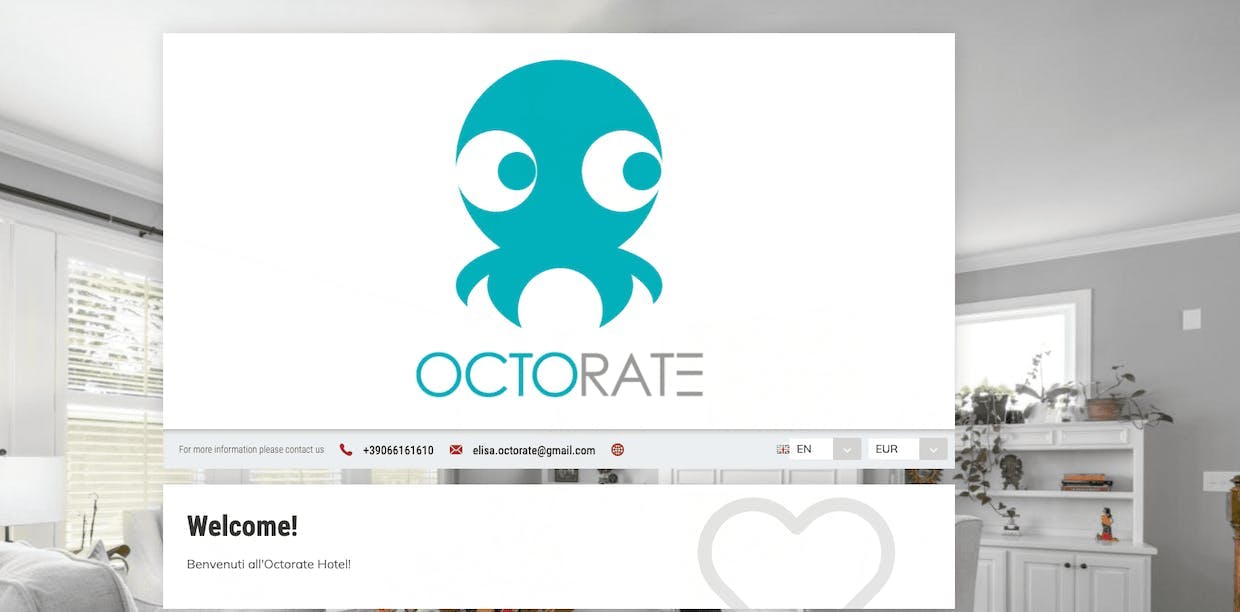
Welcome: Prepare a welcome message that will be displayed on the Booking Engine access page to greet your guests with a personal touch.
Terms and Conditions:
Prepare a welcome message that will be displayed on the Booking Engine access page to greet your guests with a personal touch.
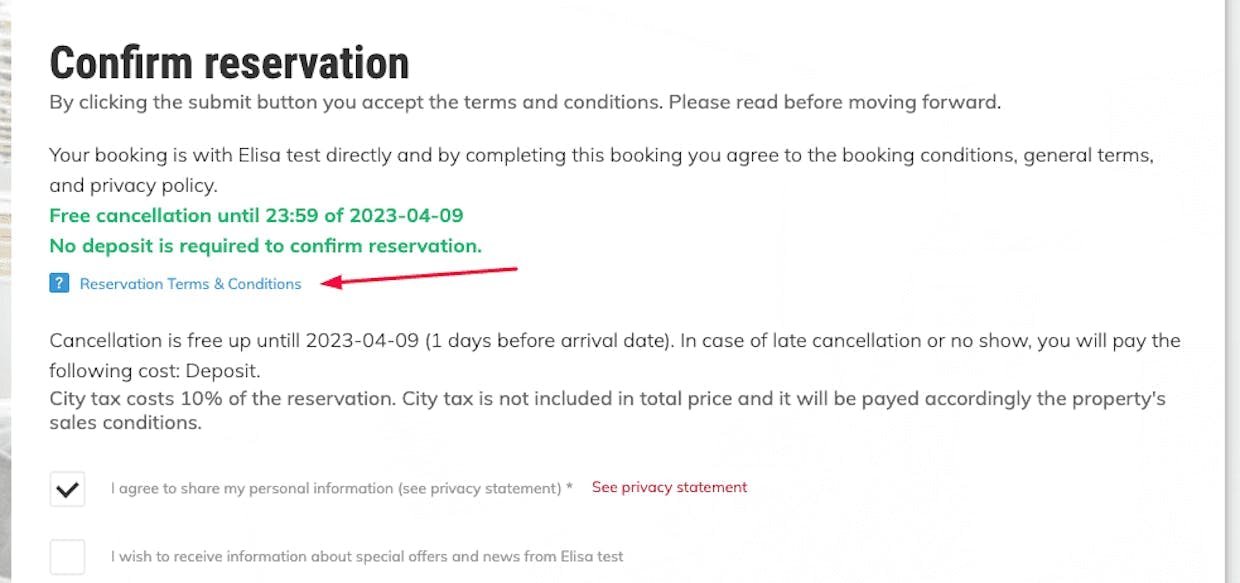
⚠️ ATTENTION: if you have multiple cancellation policies for your property, you will need to configure them through the rate plans and in the settings > Takings and terms of sales > cancellation policies.
However, you can use the "terms and conditions" section for any additional communications.
Voucher: In the Voucher section, you find a template that will be sent to the customer to sum up all the details of their reservation. Customize it and pay attention to the variables!
Widget: In the Widget section, you can decide whether to replace standard words with other terms of your choice.
Privacy: Modify the privacy conditions according to the regulations in force at your property to ensure regulatory compliance.
Unavailability: In the Unavailability section you can indicate to your guests if there are specific limitations set on your property. This will help them in their search. Your customized text will appear in your booking engine when the dates selected by your guest are not available.
You customize text will be shown in you booking engine, if the dates selected by your guest are not available:

For any further information, do not hesitate to contact us 🐙

